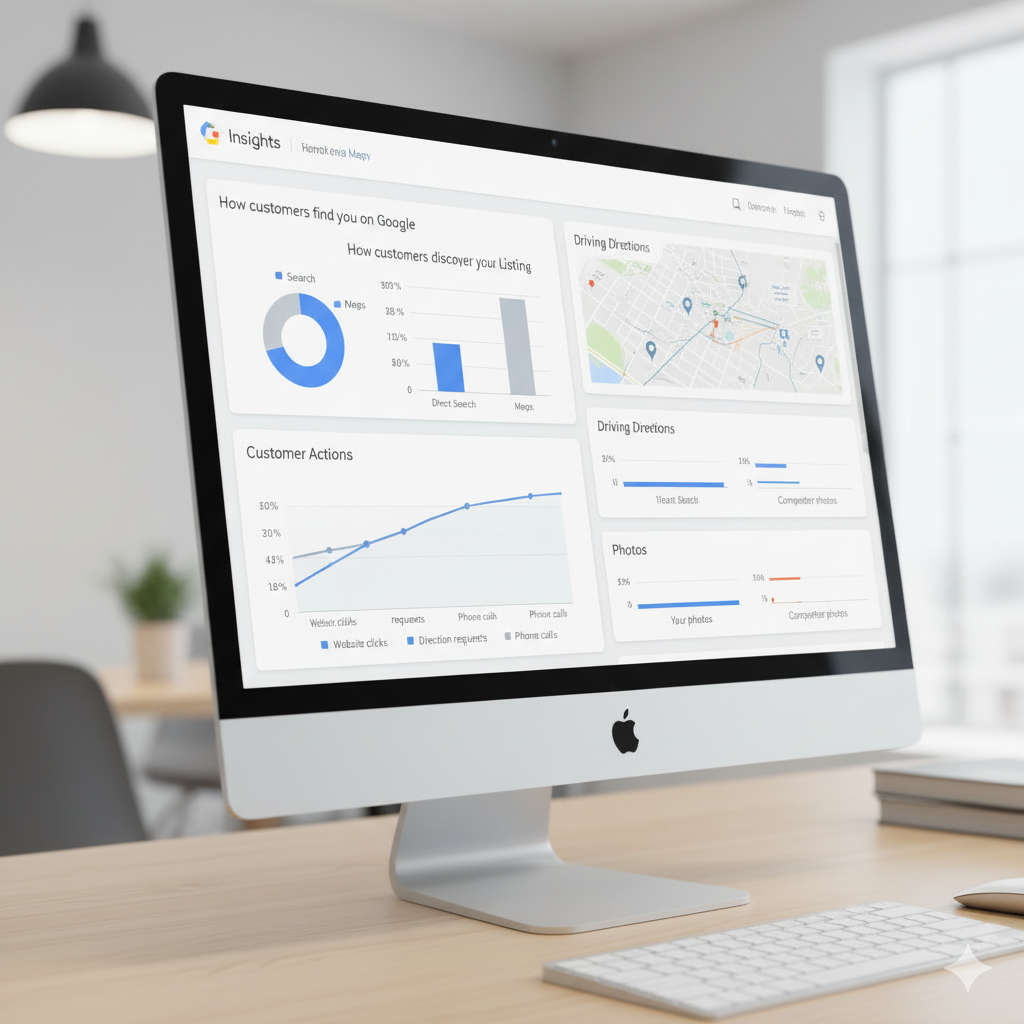
Discover How Customers Can Find You Online
In today’s world, people turn to their phones first before walking into any establishment. Whether they’re searching for a nearby restaurant, a repair specialist, a boutique, or a barber shop, the digital world plays a massive role in the decisions they make.
If your enterprise is not listed properly online — or the information is outdated — you risk losing people who are actively looking for exactly what you offer.
This guide explains why a complete and accurate Google Business Profile helps your company get discovered, how to create one, and how to maintain it so you appear in Google Search and Google Maps consistently.
Why Every Organisation Should Be Visible on Google
People rely on online information more than ever
Imagine you’re walking through a busy town centre craving something cold and sweet. You search for nearby places on your phone, but nothing shows up. You wander around, finally spot a shop with an “open” sign, only to realise it’s closed.
Now flip the scenario — imagine you OWN that establishment. That’s a customer lost simply because your details weren’t updated online.
Having a proper online listing helps people find:
- Your opening and closing times
- Your location
- Your phone line
- Your website
- Your visual space (photos/videos)
- Your reviews and ratings
This is why millions of people worldwide use Google Maps and Google Search daily to decide where to go, who to patronise, and which business to trust.
Your Google Business Profile is the digital front door of your company
Google provides a free tool called Google Business Profile (formerly Google My Business), which allows organisations that interact with customers physically to be discovered easily.
Your listing appears:
- In Google Search results
- On Google Maps
- In local search suggestions
- When people look for related services
This single tool increases walk-ins, phone calls, website visits, and customer trust.

What Exactly Is a Google Business Profile?
A Google Business Profile is an official listing that shows essential facts about your enterprise when people search for something connected to what you provide.
Once created, your information appears in:
- Google Maps (with your coordinates)
- Google Search results (right side panel on desktop, top results on mobile)
- Local searches (example: “hair braiders near me”, “restaurants in Lagos”, “coffee shop in Manchester”, “repair centres in New York”)
What people will see when your listing appears
Your profile displays:
- Your precise location
- Distance from the searcher
- Contact number (click-to-call)
- Trading hours
- Website
- Photos of your space, team or menu
- Reviews and ratings
- Popular times people visit
Businesses with complete profiles receive:
- 42% more direction requests
- 35% more clicks to their website
High-quality visuals and consistent updates build trust fast and help customers choose you over competitors.

How a Profile Helps Your Business Get More Customers
1. Customers get instant directions
If someone types your business name or something related to your field, Google places a marker on Maps showing exactly where you are, the quickest route, and real-time distance.
2. People can call immediately
On mobile devices, someone can dial your number with a single touch. This turns interest into action instantly.
3. People understand your hours immediately
Accurate opening times prevent customers from arriving at the wrong time or assuming you’re closed.
4. Photos help customers imagine your space
High-quality images help people feel familiar with your business before they ever visit.
5. Reviews build trust
88% of people trust online reviews the way they trust personal recommendations.
Responding to reviews shows professionalism.
6. You appear even when people don’t search your name
For example, if someone types:
- “best pastries in Abuja”
- “affordable salons in Birmingham”
- “coffee shop in Brooklyn”
Your business can appear even if the person has never heard about you.

Step-by-Step: How to Create a Google Business Profile
Step 1: Visit the official Google portal
Enter: google.com/business
Click ‘Start Now’.
Step 2: Enter your official organisation name
Use your legal name — avoid nicknames or slogans.
Step 3: Add your physical location
If you serve customers face-to-face, input your full address.
If you don’t have a physical location
Tick the option:
“I deliver goods and services to customers at their location.”
Google will show your service area instead of an address.
Step 4: Choose your business category
Type the kind of services you provide:
- Ice cream shop
- Cosmetic studio
- Tailoring service
- Shoe repair
- Lounge
- Clinic
If the exact term isn’t available, select the closest match.
Step 5: Add your phone line and website
Google will use this to help customers contact you.
Step 6: Verify your listing
Google usually sends a postcard with a verification code.
Enter the code to activate your profile.
Verification unlocks:
- Visibility on Search
- Visibility on Maps
- The ability to edit your listing
- Access to Insights (analytics)
Step 7: Upload photos
Capture:
- Your front entrance
- Your indoor space
- Your products or service setup
- Your team members
Step 8: Start collecting reviews
Ask customers who enjoyed your service to leave feedback.

Preparing Your Business Before Setting Up Your Profile
Before creating your listing, prepare a simple checklist:
- Clear and accurate business name
- Your physical address or service area
- A working phone number
- Detailed business hours
- High-quality pictures
- A short description of what you offer
- A branded email address
- Your website link (if you have one)
The more complete your listing is, the better your chances of ranking high in Google’s local search results — especially in competitive areas.